The IPTV player
that just plays.
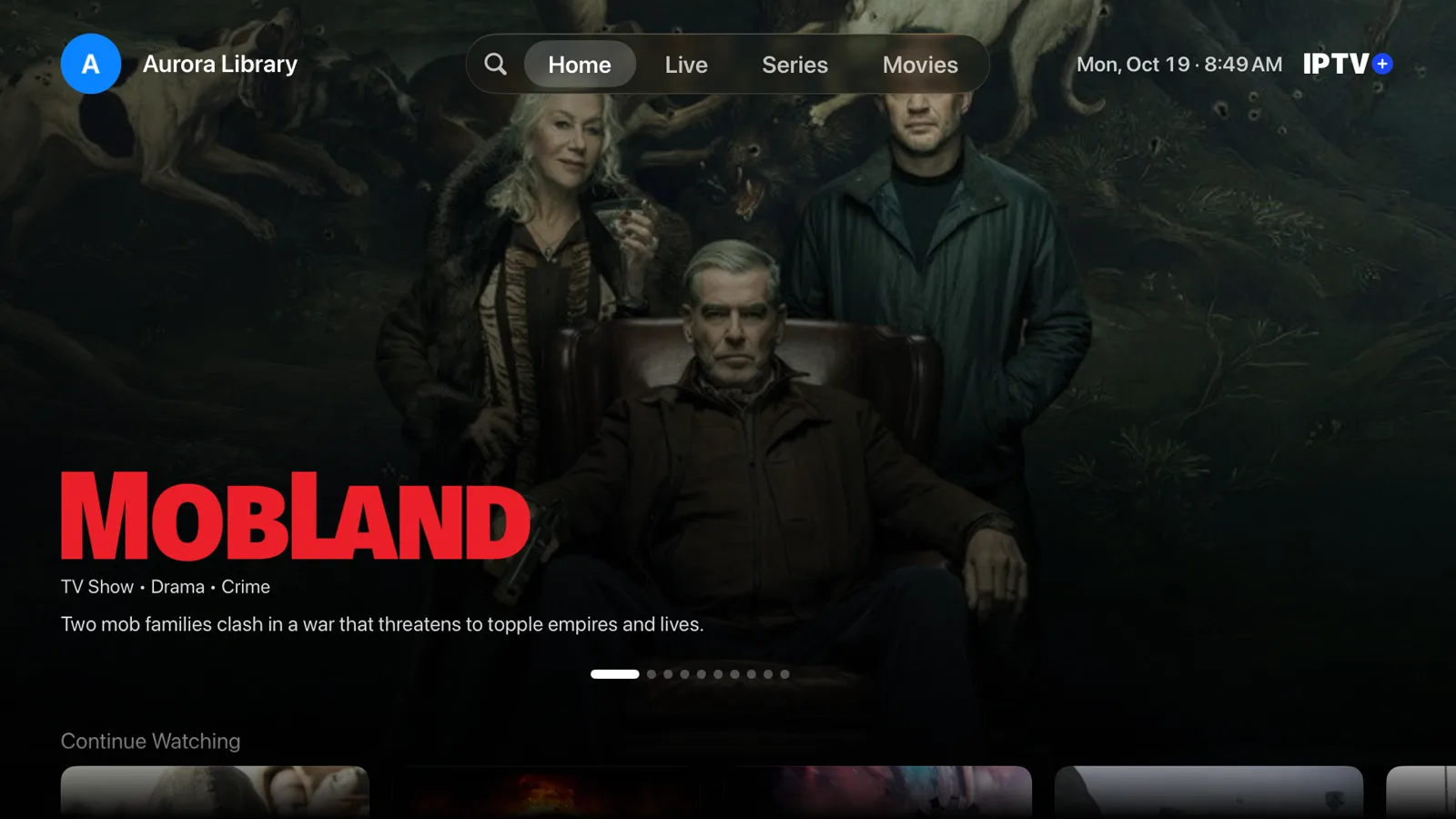
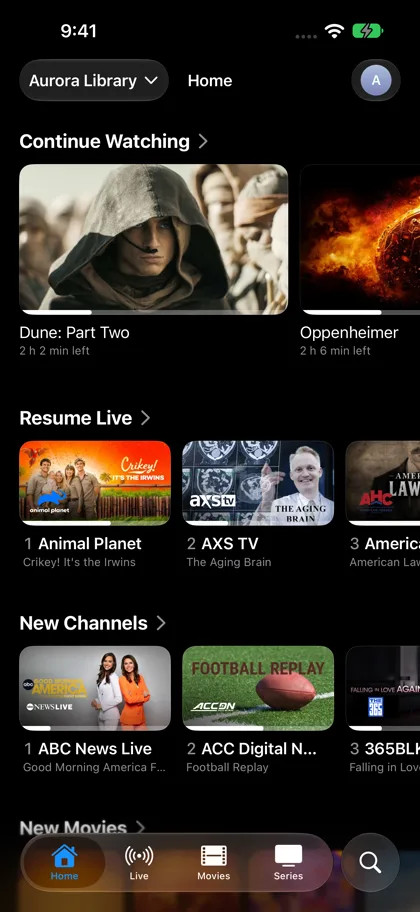
IPTV+ turns your playlist into a fast, beautiful TV app on iPhone, iPad, Apple TV and Mac. Live channels, a full TV guide, movies and series, all played by an engine built for IPTV.
Download on theApp StoreFree to try · iPhone, iPad, Apple TV and Mac
Fast today.
Faster every release.
IPTV+ 3.0 has been out for a year and a half, and every update since has made it quicker and smoother. Big playlists open fast, the guide scrolls without a stutter, and channels change the moment you click.
We test every build on real Apple hardware, down to the 2017 Apple TV 4K, so it feels quick on the TV you already own.
Our own player.
Built for live TV.
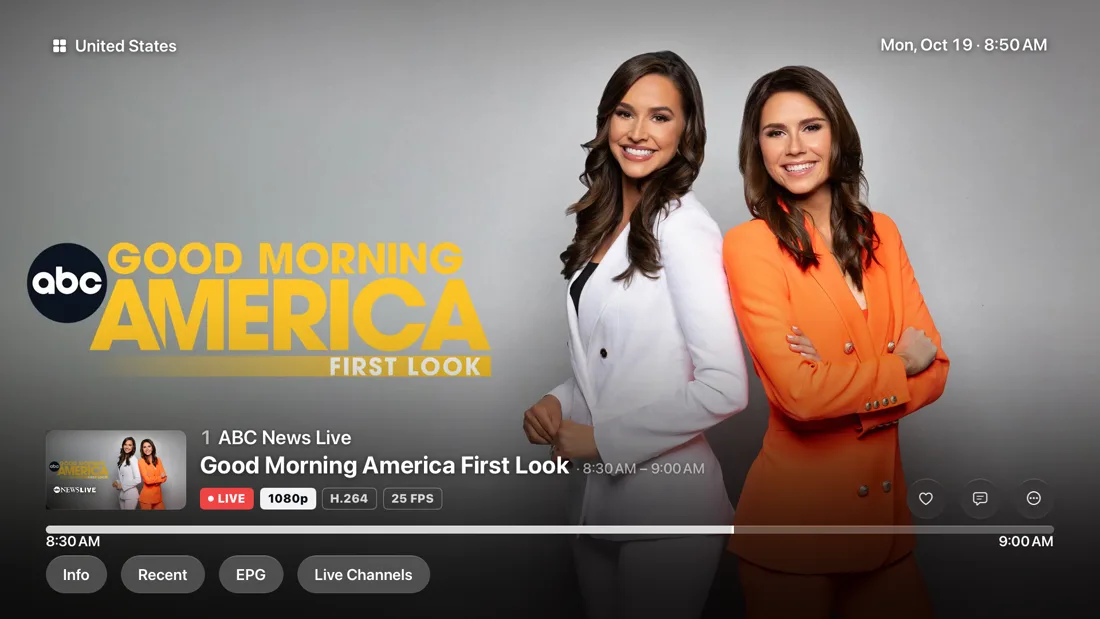
Most IPTV apps borrow a general video player. IPTV+ runs its own, tuned and tested on real IPTV streams. It plays every format providers send, up to 4K with Dolby Vision and HDR10.
Enhanced video quality sharpens every frame as it plays, so the same stream simply looks better. Connect a compatible receiver and Dolby Atmos passes straight through.
Everyone gets
their own space.
One playlist, many viewers. Each profile keeps its own favourites, history and Continue Watching, so your evening films never get mixed up with the kids’ cartoons.
Switch profiles with a tap on iPhone or a click on Apple TV.

Start on iPhone.
Finish on the big screen.
IPTV+ runs natively on iPhone, iPad, Apple TV and Mac, all with one subscription. Send what you’re watching to a Chromecast or Google TV with Google Cast, or to Apple devices with AirPlay.
iCloud sync keeps your playlists and favourites on every device, and downloads let you watch movies and episodes offline. AirPlay video is in beta and gets better with each update.
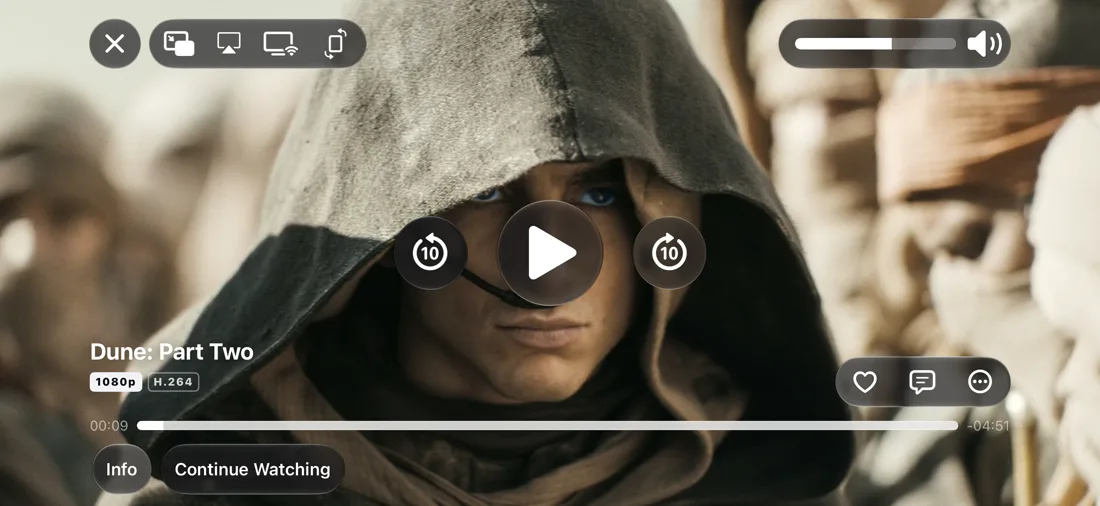
Everything you need comes standard.
Add your playlist and IPTV+ organises it into a real TV app, on every Apple screen you own.
Every playlist
M3U, Xtream Codes, Stalker portals and Plex, side by side.
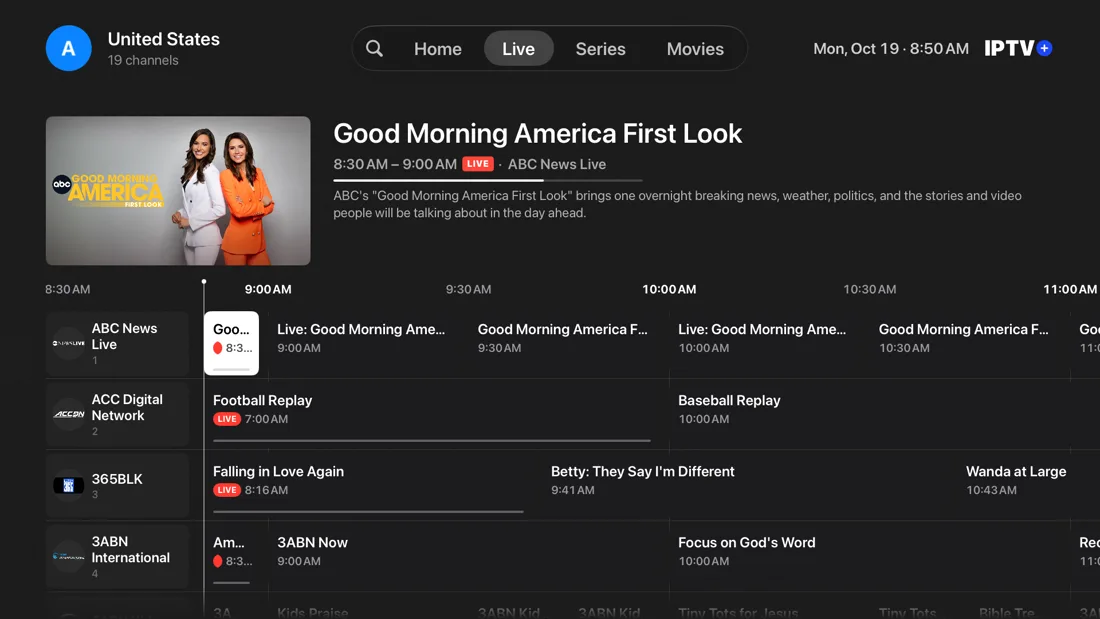
Live TV guide
Now and next on every channel, plus a full grid guide.
Smart catalog
Movies and series with posters, genres and descriptions.
Profiles
Separate lists and progress for each person at home.
4K, HDR10 and Dolby Vision
Every pixel and every bit of brightness your stream has.
Plays every format
Live TS and HLS, MKV, MP4 and the codecs inside them.
Downloads
Save movies and episodes and watch them offline.
iCloud sync
Playlists and favourites on all your devices.
Built-for-IPTV player
Its own engine, tuned and tested on real IPTV streams.
Enhanced video
A sharper picture from the very same stream.
Dolby Atmos
Passthrough to your compatible receiver or soundbar.
Google Cast
Send any channel to a Chromecast or Google TV.
AirPlayVIDEO BETA
Play on your Apple TV and AirPlay speakers.
Picture in Picture
Keep the match on while you do something else.
Audio & subtitles
Switch languages and tracks while you watch.
Technical specifications
| Playlists | M3U, M3U8, Xtream Codes, Stalker portal, Plex |
|---|---|
| TV guide | XMLTV (EPG), now and next, full grid guide |
| Video | Up to 4K, HDR10, Dolby Vision, H.264, HEVC (H.265), MPEG-2, VP9 |
| Streams and files | MPEG-TS, HLS, MKV, MP4, MOV |
| Player | IPTV+ player engine, enhanced video quality, Picture in Picture, downloads for offline viewing |
| Audio | Dolby Atmos passthrough with a compatible receiver, multiple audio tracks |
| Streaming to | Google Cast, AirPlay (video in beta) |
| Devices | iPhone, iPad, Apple TV, Mac, with iCloud sync between them |
| Requirements | iOS 17+, iPadOS 17+, tvOS 17+, macOS 14+ |
Questions
Is IPTV+ an IPTV provider?
No. IPTV+ is a player only. It doesn’t sell or include any channels or content. You use your own playlist from your own provider.
Which playlists can I use?
M3U and M3U8 links or files, Xtream Codes logins, Stalker portals and Plex. You can add several and switch between them.
Can I try it for free?
Yes. IPTV+ is free to try, so you can test it with your own playlist before you subscribe.
Does one subscription cover all my devices?
Yes. Subscribe once and use IPTV+ on your iPhone, iPad, Apple TV and Mac.
Can I watch on my TV?
Install IPTV+ on Apple TV, or send what you’re watching from iPhone, iPad or Mac to a Chromecast or Google TV with Google Cast, or to Apple devices with AirPlay (video in beta).
Your playlist deserves
a better player.
Free to try on iPhone, iPad, Apple TV and Mac.
Download on theApp Store