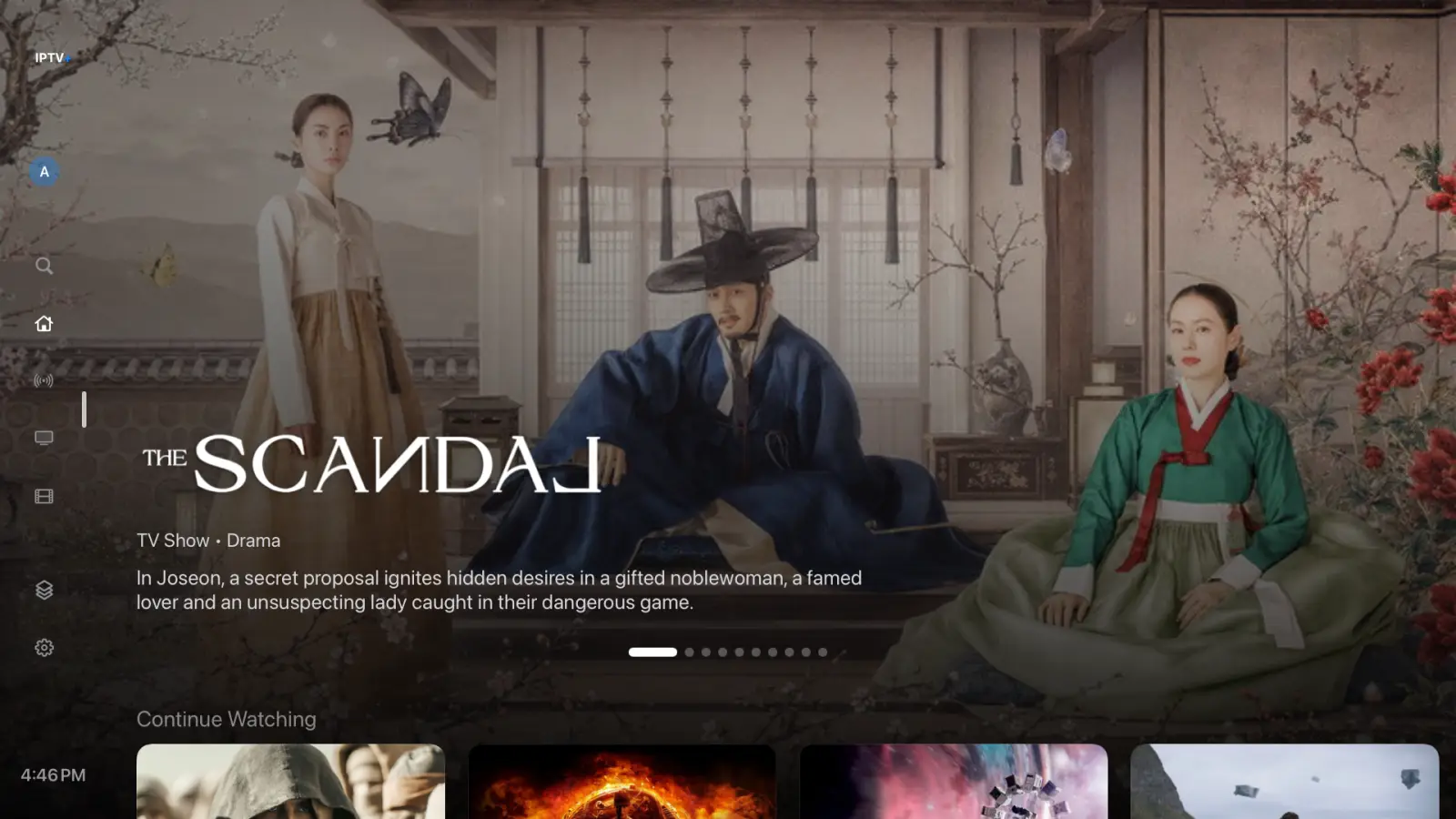
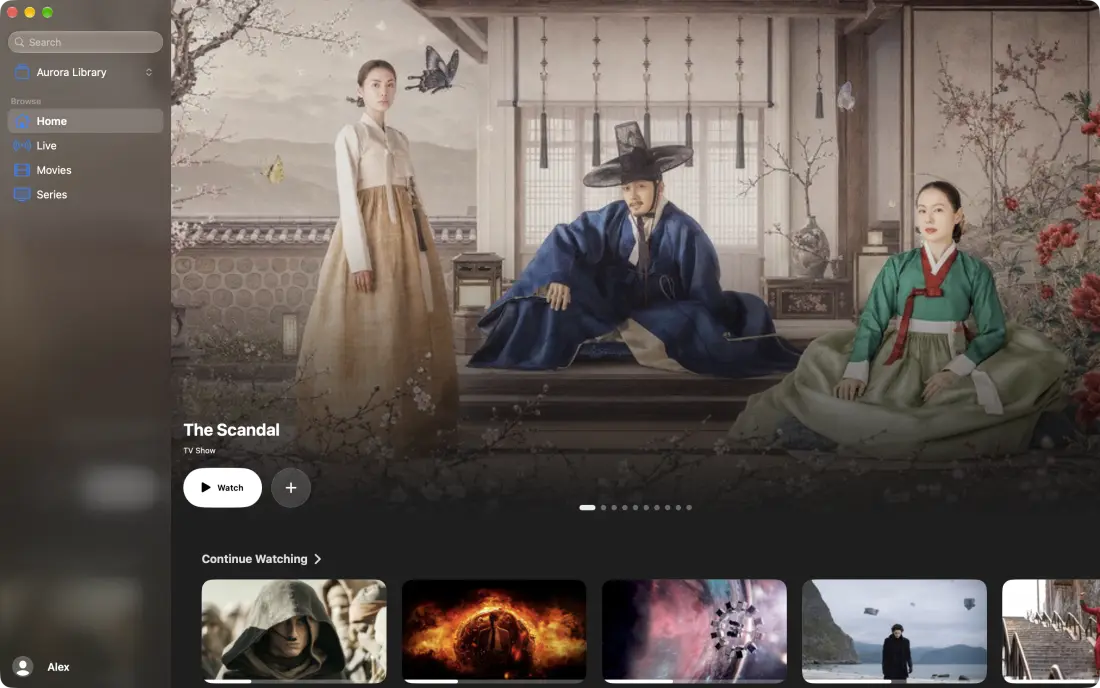
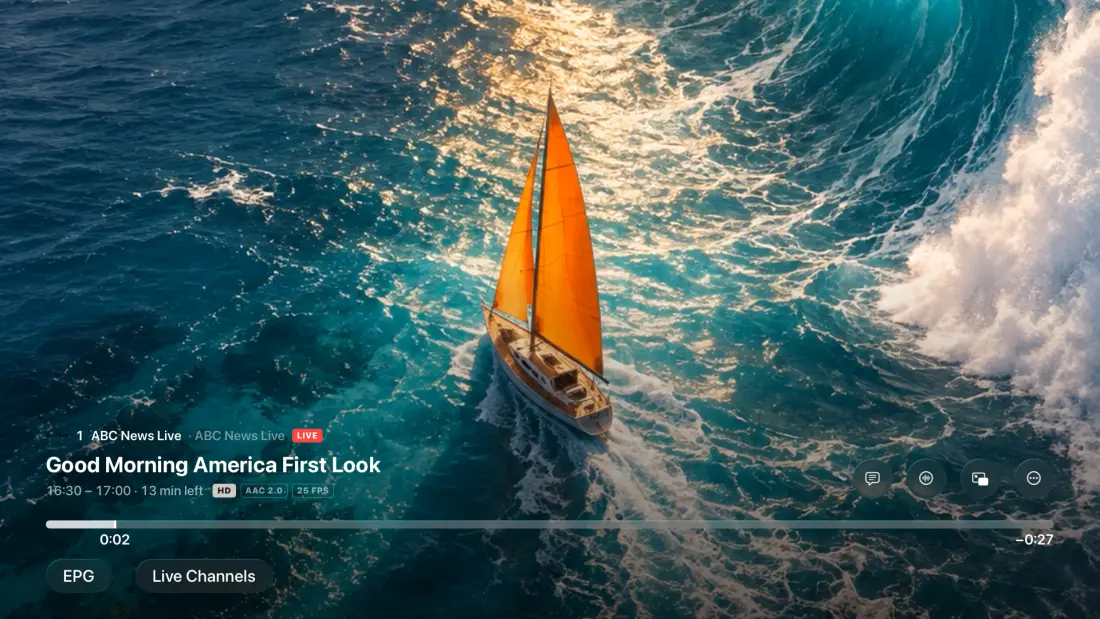
IPTV+ 3.2 is available today on iPhone, iPad, Apple TV and Mac. It fixes the problems many of you had with 3.0: a slow Apple TV, crashes, a complicated setup and trouble getting your data back from 2.x.
A huge speed-up on Apple TV
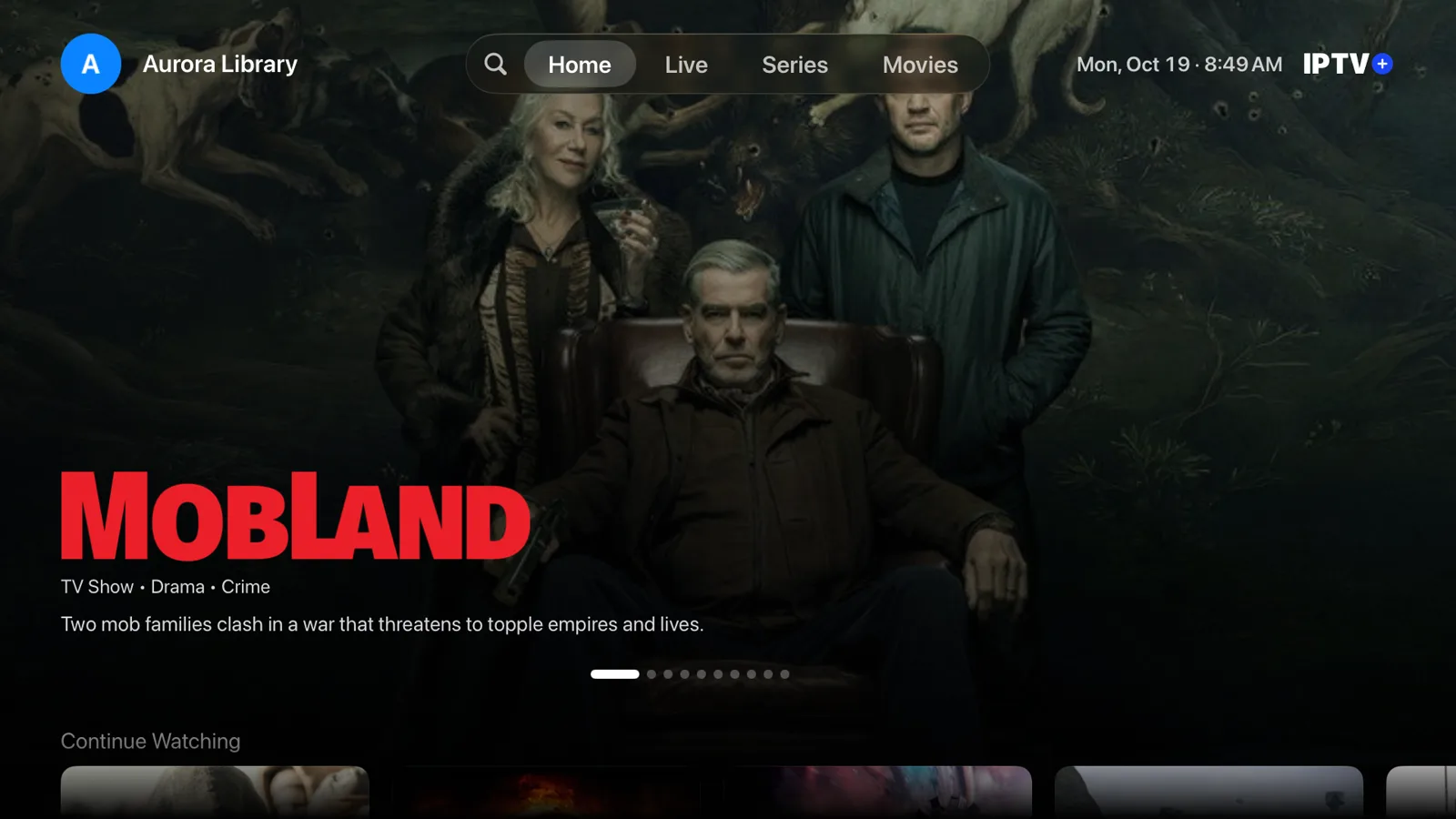
If IPTV+ 3.0 felt slow on your Apple TV, this update is for you. Home, Live and Movies now scroll smoothly, even on older models. On the 2017 Apple TV 4K, the stutter on the Home screen dropped by more than 70%, from 2.2 seconds of dropped frames to 0.6 seconds.
Channel lists also get a Text Size setting, and you can invert channel zapping if up and down feel the wrong way round.
Far fewer crashes
3.2 fixes many crashes and problems in sync, the guide, Replay, parental controls and downloads.
Simple setup
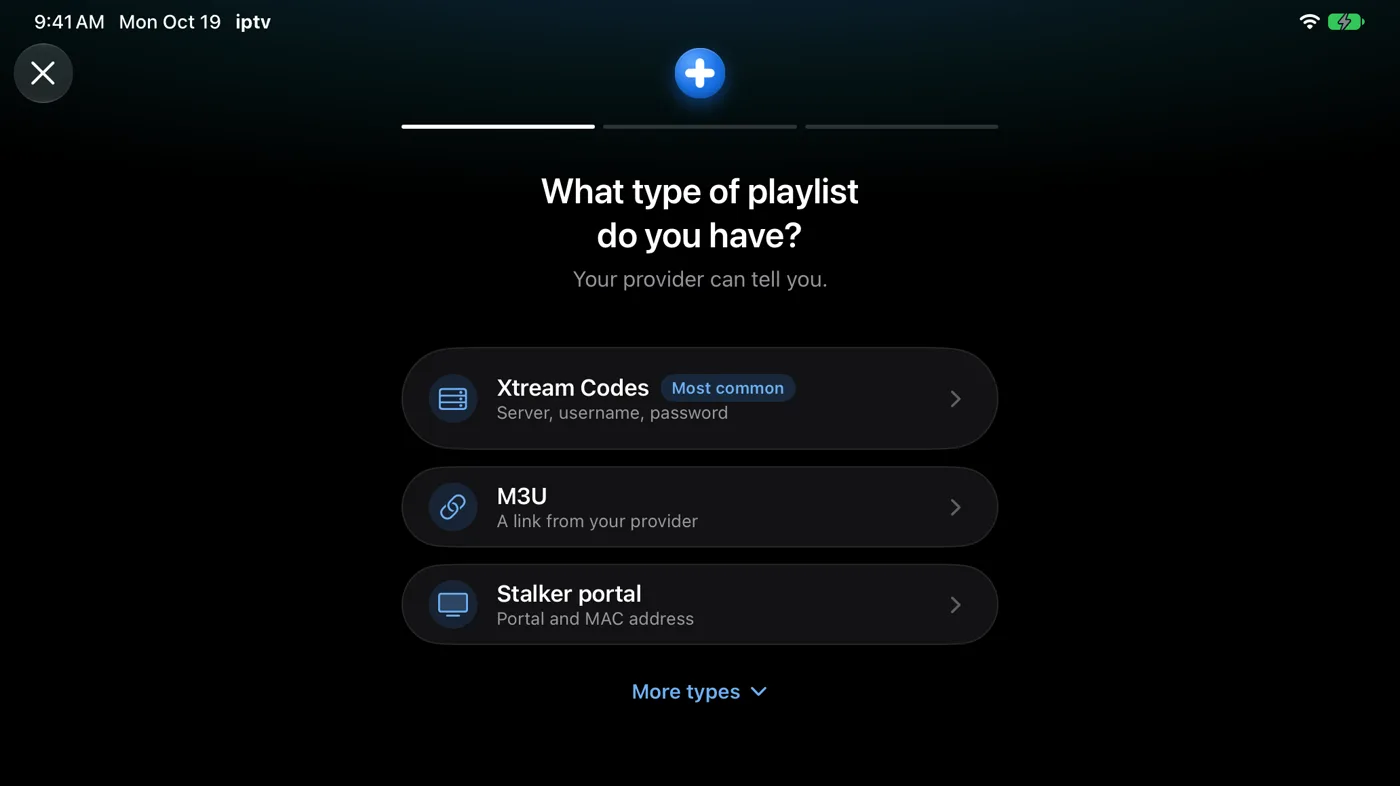
Adding a playlist is now step by step, with or without an account. Choose Xtream Codes, M3U or a Stalker portal, and IPTV+ asks only for what it needs. Not sure which type you have? Tap Paste your provider’s message.
On Apple TV, scan a QR code to add your playlist from your iPhone, so you never type a long address with the remote.
Your 2.x data comes back
Restoring your data from IPTV+ 2.x now works on large accounts too. You choose your playlists first, and the iCloud import shows its progress.
The Automatic player
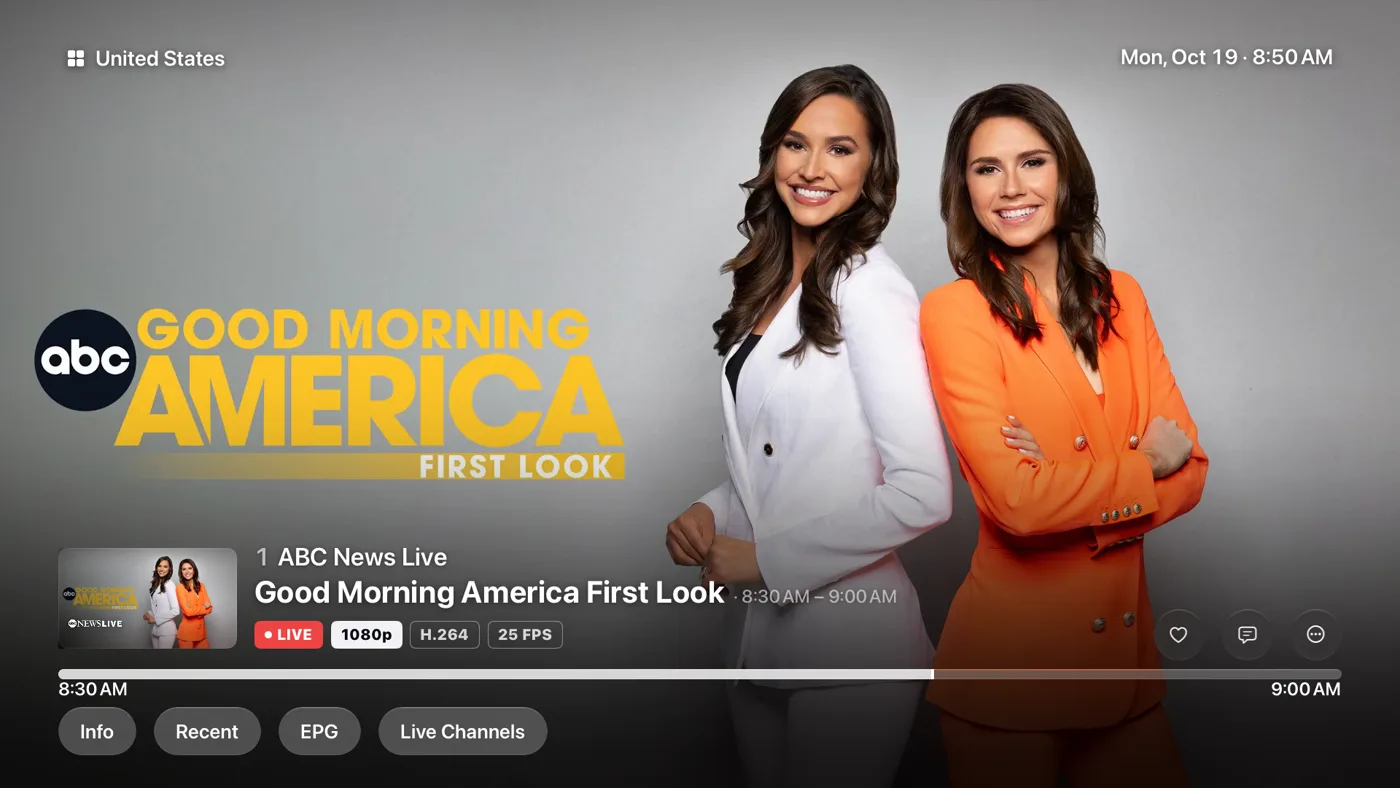
Every stream now starts on the IPTV+ player. If a stream can’t play there, IPTV+ switches to VLC on its own, so more channels just work. You can still choose VLC, MPV or KSPlayer yourself.
Google Cast works with the IPTV+ player, so you can send what you’re watching to a Chromecast or Google TV.
Who’s Watching
Choose to see the profile picker every time IPTV+ opens, so everyone at home starts in their own space.

Movies, series and playlists
- See what’s trending on the Movies and Series screens.
- Mark a whole season or series as watched.
- A renamed playlist shows its new name everywhere.
- Large M3U playlists import faster and use less memory.
Better on Mac
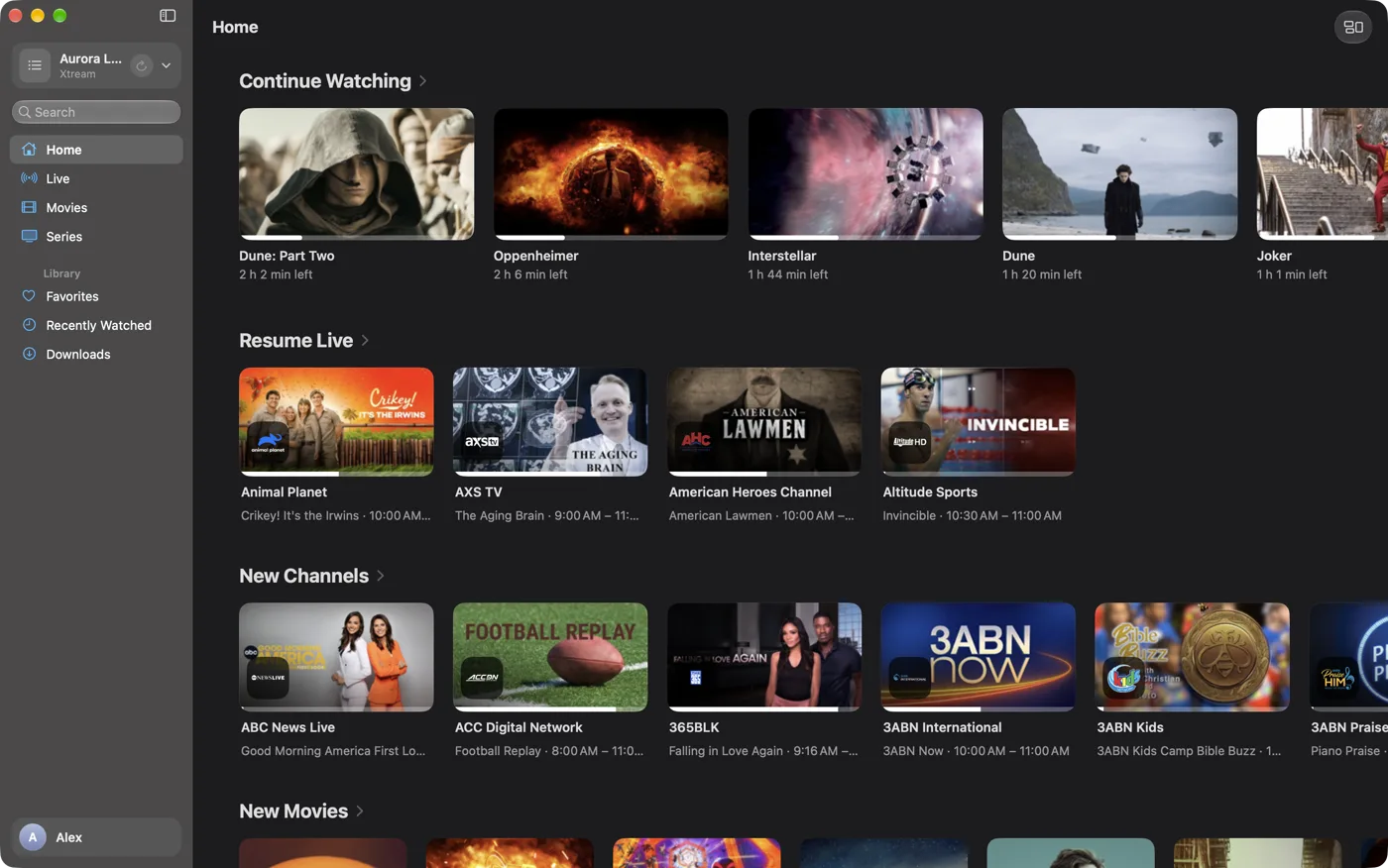
The Mac app gets the VLC player, YouTube-style keyboard shortcuts, hold Space to speed up, and Control-click menus.
What’s next
We’re working on Multiview, so you can watch several channels at once, and on an IPTV+ app for Android TV.
As always, IPTV+ is a player only. It doesn’t sell or include any channels: you bring the playlist from your own provider. Update from the App Store, and tell us what you think.